
Where we started today
So today my goal was actually to start with writing an actual post, which i basically did with this post here. However, I also wanted to rebuild the structure i did in Figma in here as well which I could not quite get done since I jumped into new things and lost myself there. But thats not too bad since I learned new things and made a big step forward I think.
First Insight – Including Images, Plug-Ins & Short-Codes in my Posts
So the very first understanding I got is that when writing a blog post, you can actually include many things like images or other components, even self build blocks via a plug in – or just plugins that others already had built. So this was a big new insight for me.
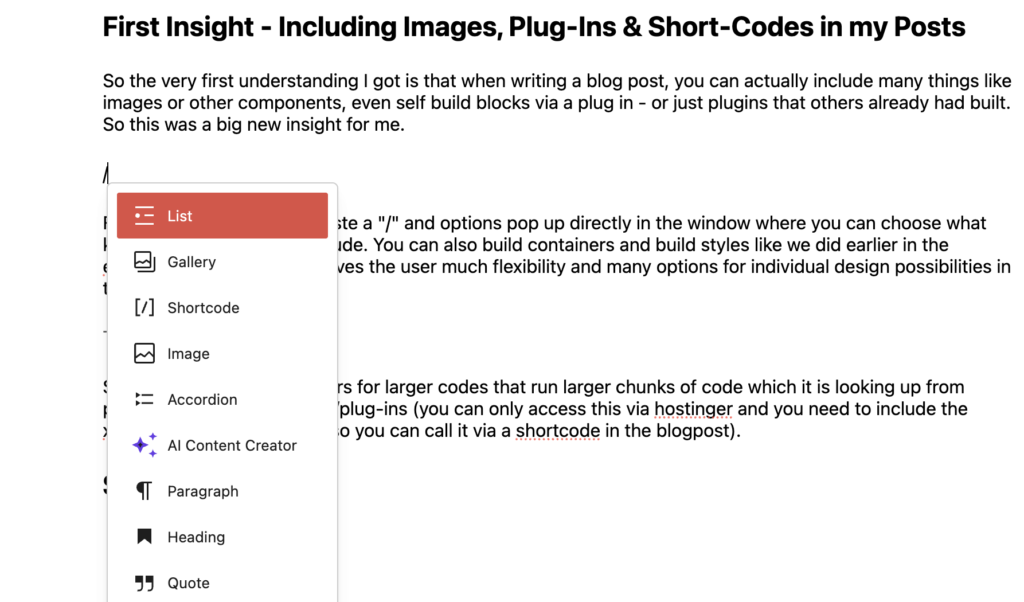
For this you only need to paste a “/” and options pop up directly in the window where you can choose what kind of block you like to include. You can also build containers and build styles like we did earlier in the elementor builder – which gives the user much flexibility and many options for individual design possibilities in the future.
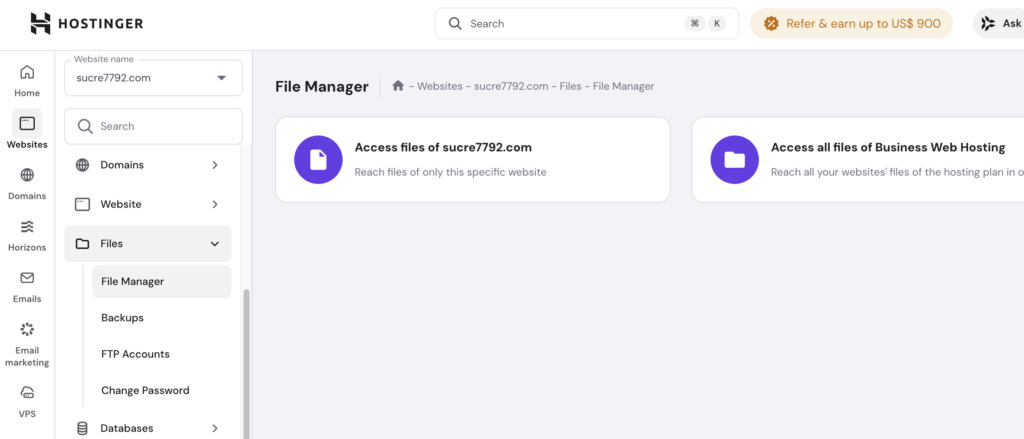
Short-Codes are placeholders for larger codes that run larger chunks of code which it is looking up from public_html –> wp-content/plug-ins.
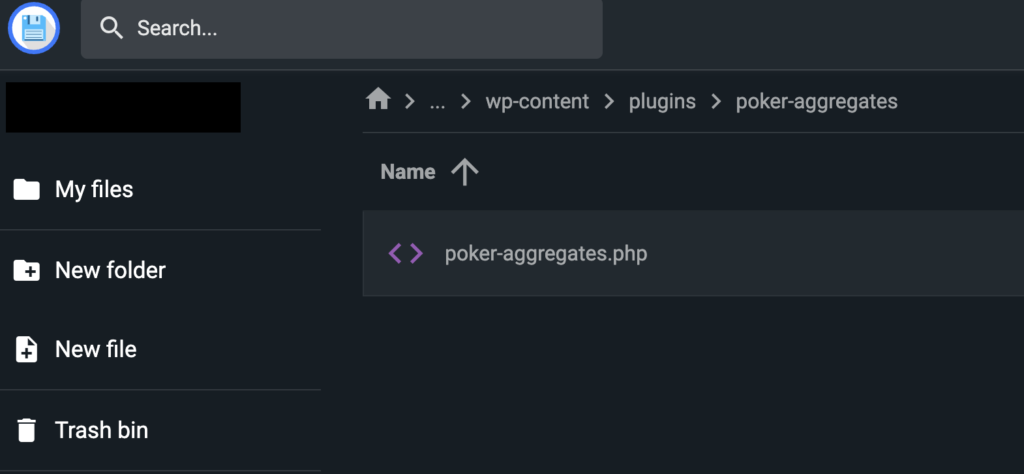
You can only access this via hostinger and you need to include the xyz.php file in that location so you can call it via a shortcode in the blogpost.
Second Insight – Plug-Ins ACF and CPT UI and wpDataTables
I have learned that there is a plug in already wpDataTables available that can create a dynamic table like I need it. Which is, when new inputs are pasted then these table entries that are for example just aggregates, will update automatically – so no manual adjustment is needed.
But before we get there we need to build a database (or better said use the database that is already available to us by wordpress) and a structure with datafield names etc. so we can input our data manually.
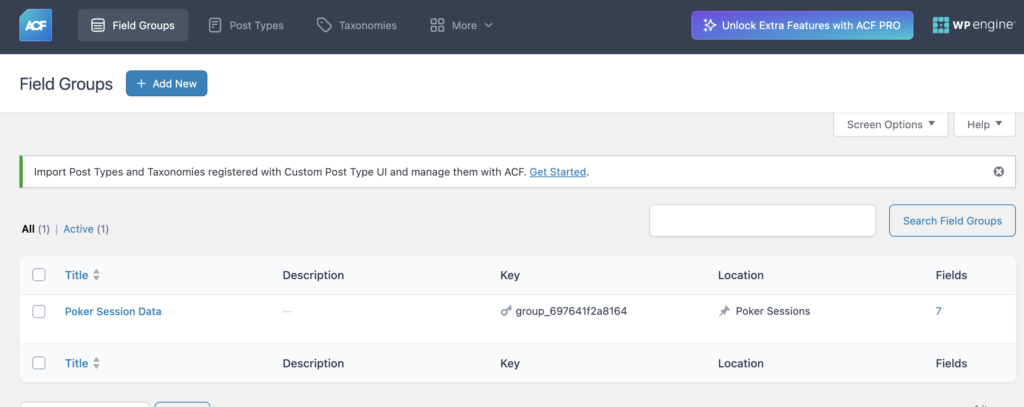
For this we used ACF to define the columns we like and what values we expect and whether these are required, and many more properties we can define here for each input field we will later require.
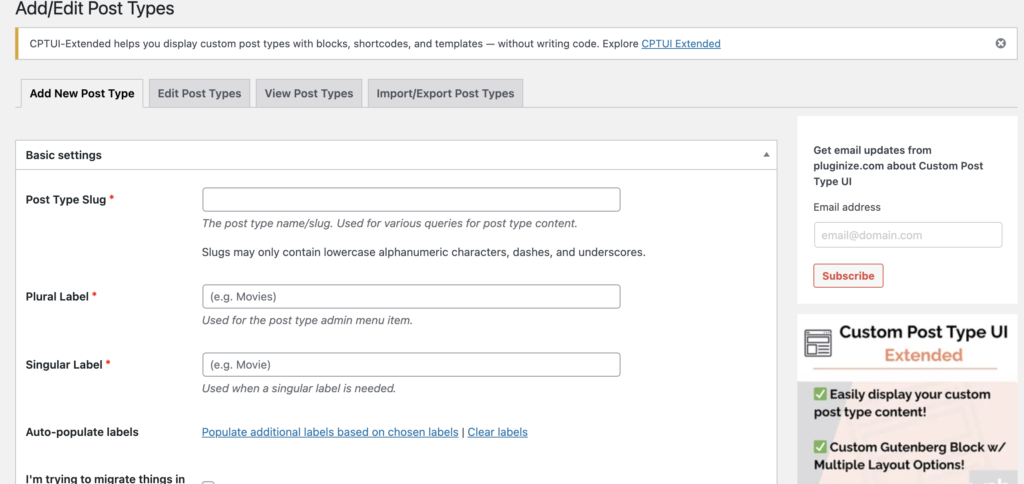
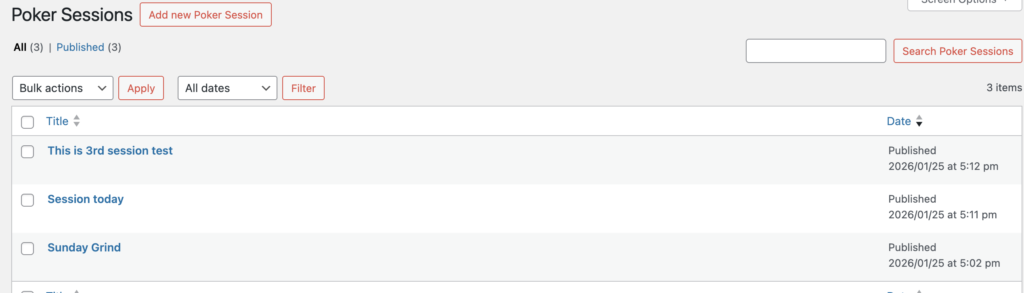
CPT UI creates the block in which the columns we defined earlier in ACF are present. in this block now new entries can be made directly
Creating first table entries and Aggregates
We implemented the tools mentioned above and afterwards started with the first test by using 3 test entries. So we created several columns before in ACF and afterwards in the Environment “Poker Sessions” that we built with CPT UI we have made some test entries (see blow).
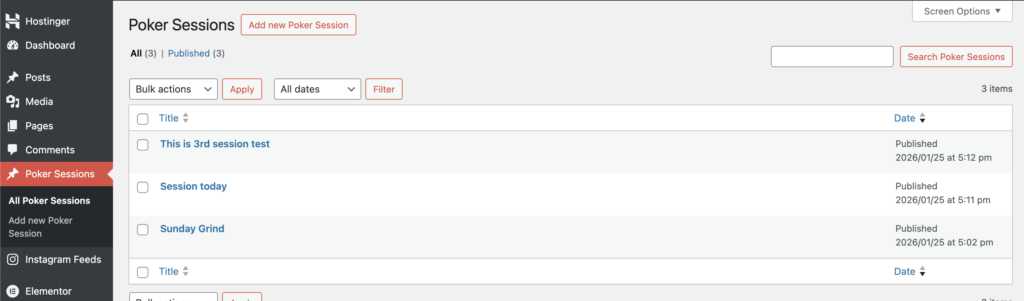
After this step we have now managed to include our data in the wordpress database. The next step is to get the data aggregated in our blog post. so for this as mentioned earlier we have included a xyz.php code in our wp-content/plugins folder. this code uses the inputted data we provided earlier and makes mathematical operations on it like building the sum or the average or else (no limits here :D). Once this is included and saved (in this case I obviously did not right this all by myself but rather asked chatgpt to write the code for me) – we can go into our blog post editor and use the correct shortcode and add it vie “/shortcode” – afterwards it is implemented as a block in our post and is rendered directly from the page when it is called.
Next Steps
- Include more representative Data Columns and also Data Test inputs in ACF
- Upgrade the .php file we have saved (since the logic is not completely correct at this point and also not completed)
- Visualization of the Data (e.g. in form of a horizontal table)
- Later: Include Graphs based on the data provided (cumulative graph)
- Later: Use wpDataTables plug in to create the tables